Canva Basic To Advanced
Canva Basic To Advanced
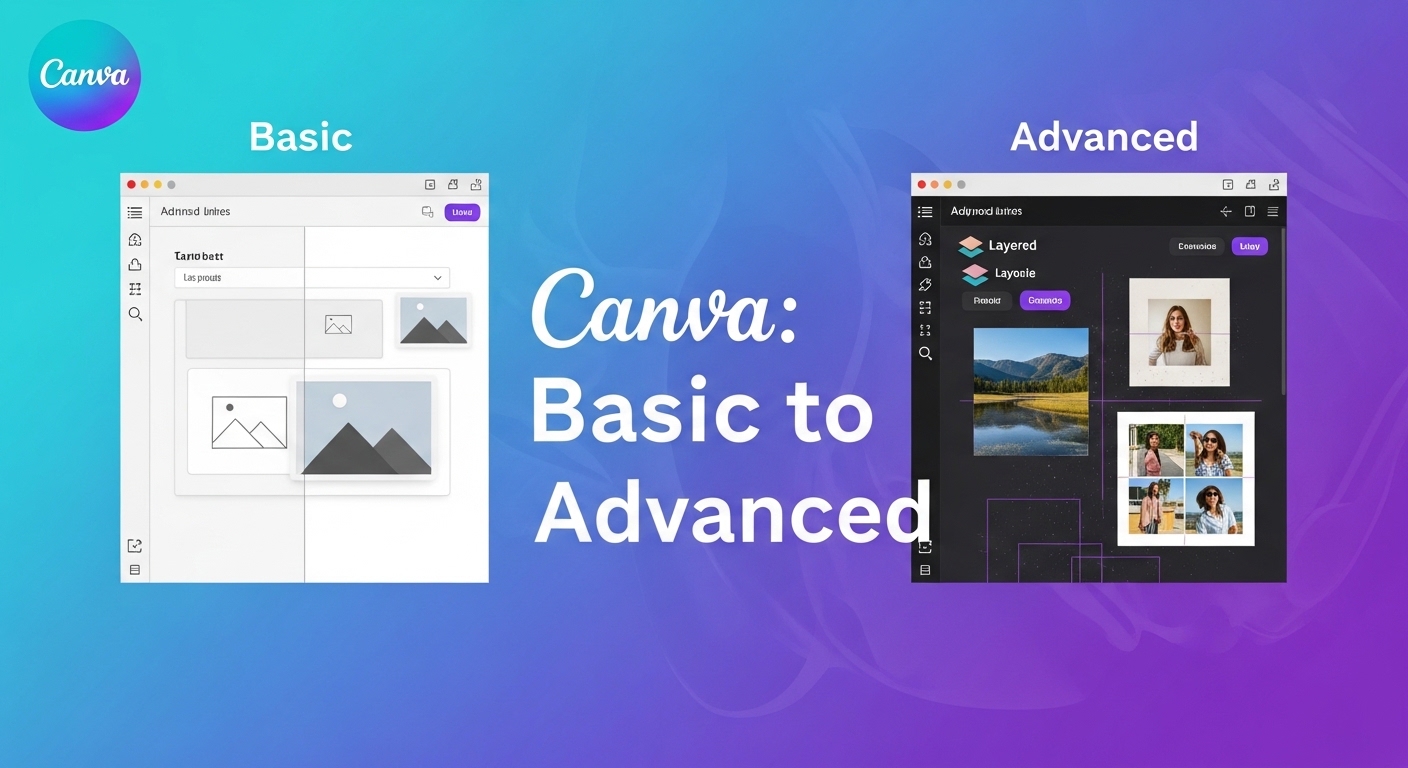
About Course
Learn how to create professional designs using Canva from the very beginning to an advanced level. This course is designed for beginners, freelancers, students, and business owners who want to design high-quality graphics without needing complex software.
In this course, you will learn how to design social media posts, professional presentations, logos, flyers, posters, YouTube thumbnails, business cards, and marketing materials using powerful Canva tools.
What You Will Learn
-
Canva interface and basic tools
-
Creating professional social media posts
-
Designing logos, banners, and brand kits
-
Using templates and customizing them professionally
-
Working with fonts, colors, and layouts
-
Photo editing and background removal
-
Creating YouTube thumbnails and marketing graphics
-
Designing presentations and business documents
-
Using Canva AI tools and advanced design features
-
Exporting high-quality designs for print and digital use